ECore

Every machine,
one location

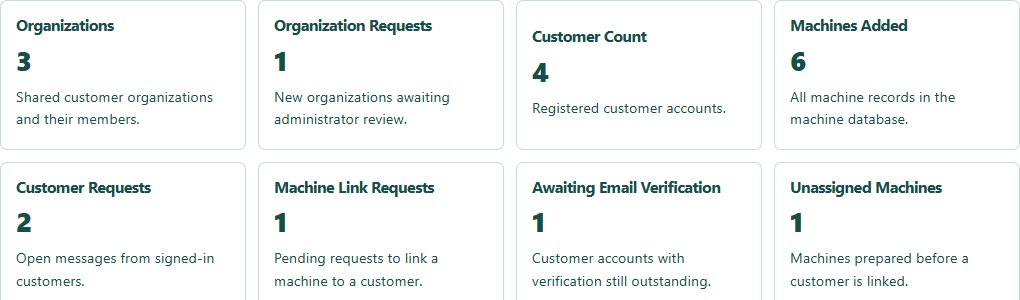
ECore brings all of your company’s equipment, customers, and service history into a single platform.

Explore the machine database →
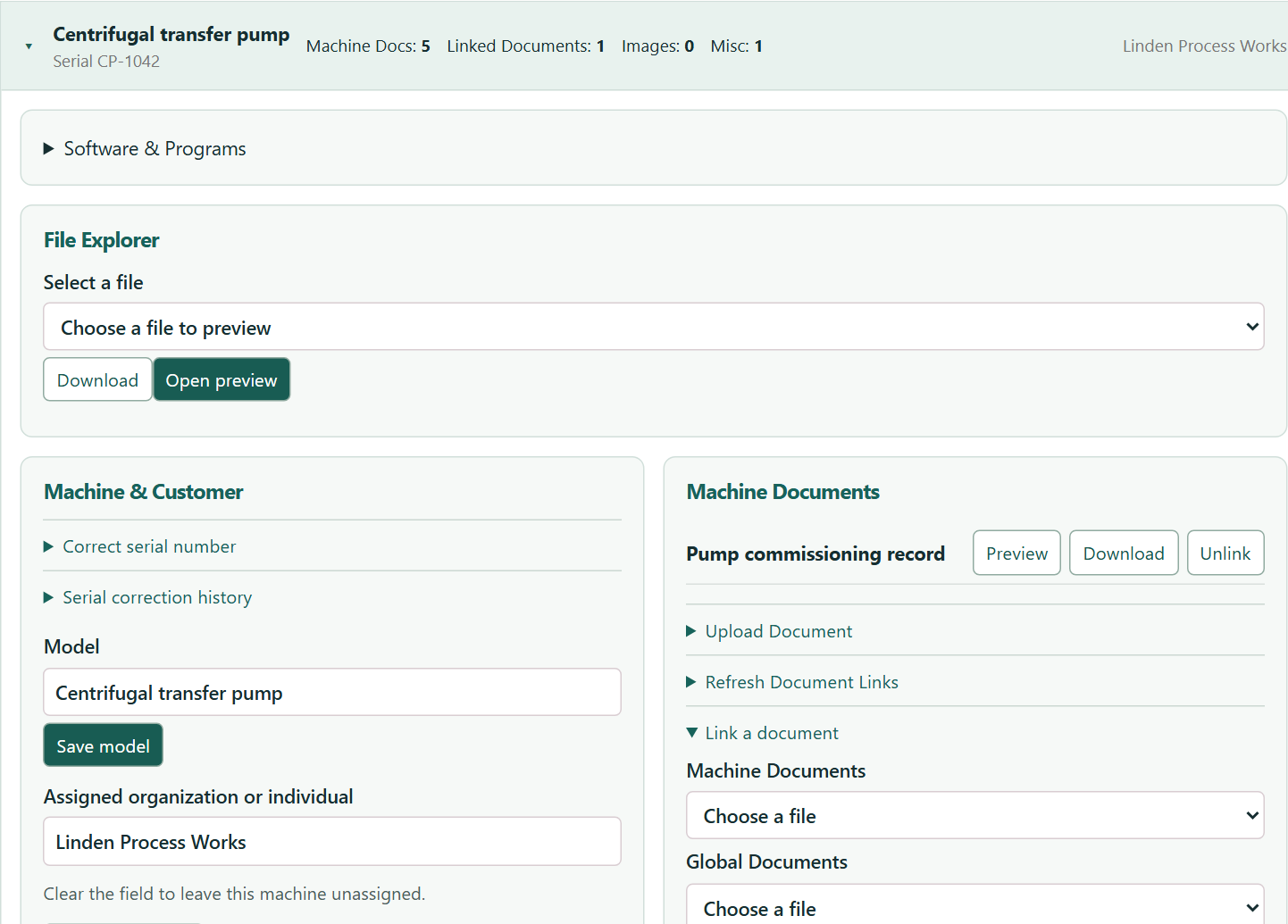
Machine workspace Product preview
Expanded pump record with File Explorer, customer assignment, and linked machine documents.

Equipment resources

Equipment catalog

Identify a machine by model and serial number. Group its parts references, manuals, and configuration records in one place.

Service operations

Connect service requests and maintenance work to the equipment they concern.

Machine records

Keep the machine’s documents and service history together. Descriptive titles help people find the right file.

Engineering documents

Find electrical prints, hydraulic diagrams, controller constants, and drive parameter sheets for the configuration being serviced.

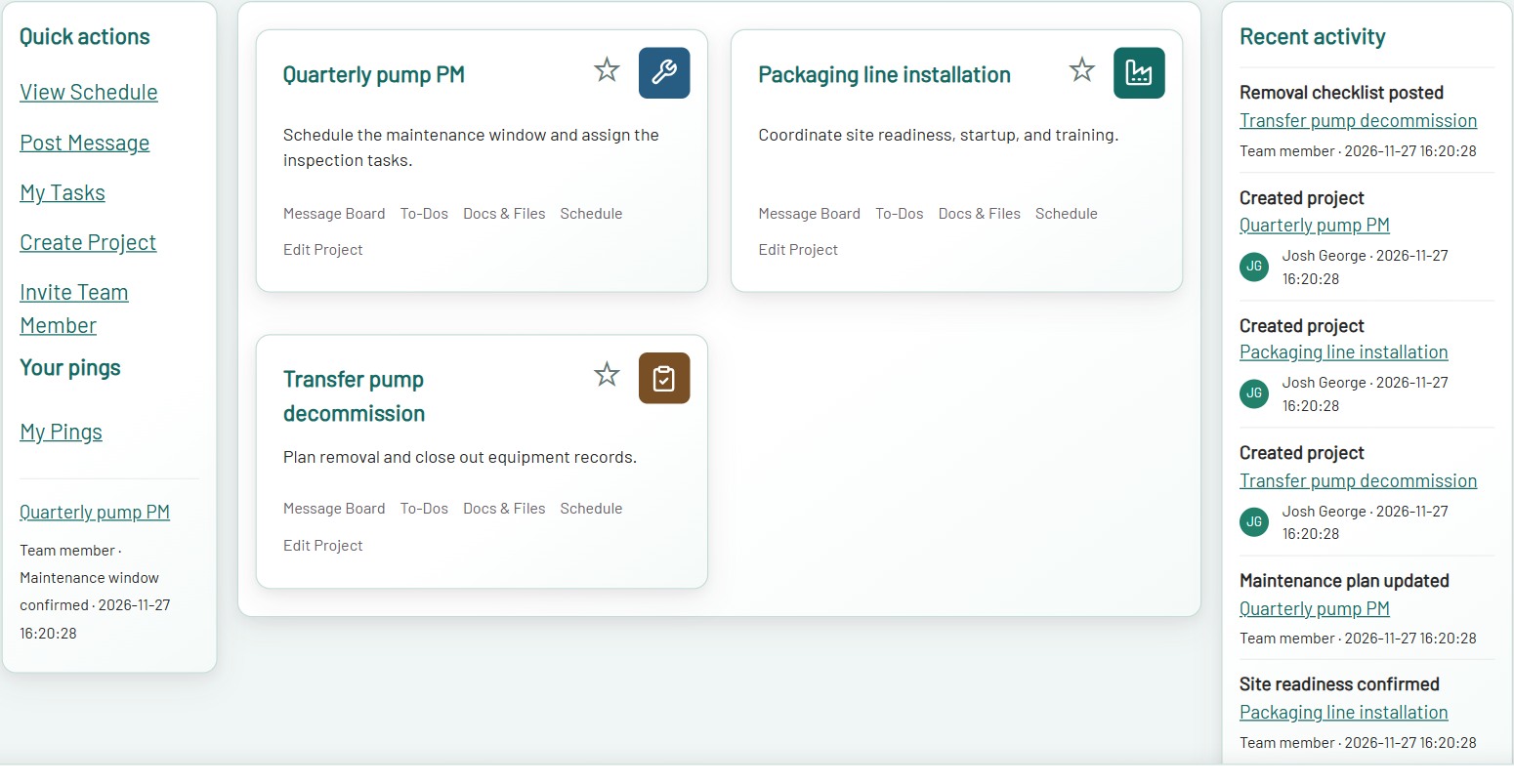
Project Management Whether you are a sole proprietar of an industrial maintenance company, or a manufacturing facility with 500 machines, ECore can help keep track of your project timelines, responsible parties, material lists, and more! Make custom Preview Panes to handle different projects, or aspects of a single project! Assign a name, project type, and an icon to advertise their uses, then use the internal schedule, message board, file storage, and To Do's to keep everything on track.
ECore stands for Equipment Catalog, Operations, Records and Engineering.

Give every machine a service record your team can find

Start with the serial number. Open the machine record to see its customer assignment, linked documents and dated service history. When another technician takes the call, the information is already in the same place.

Compared to..

Excel for analysis

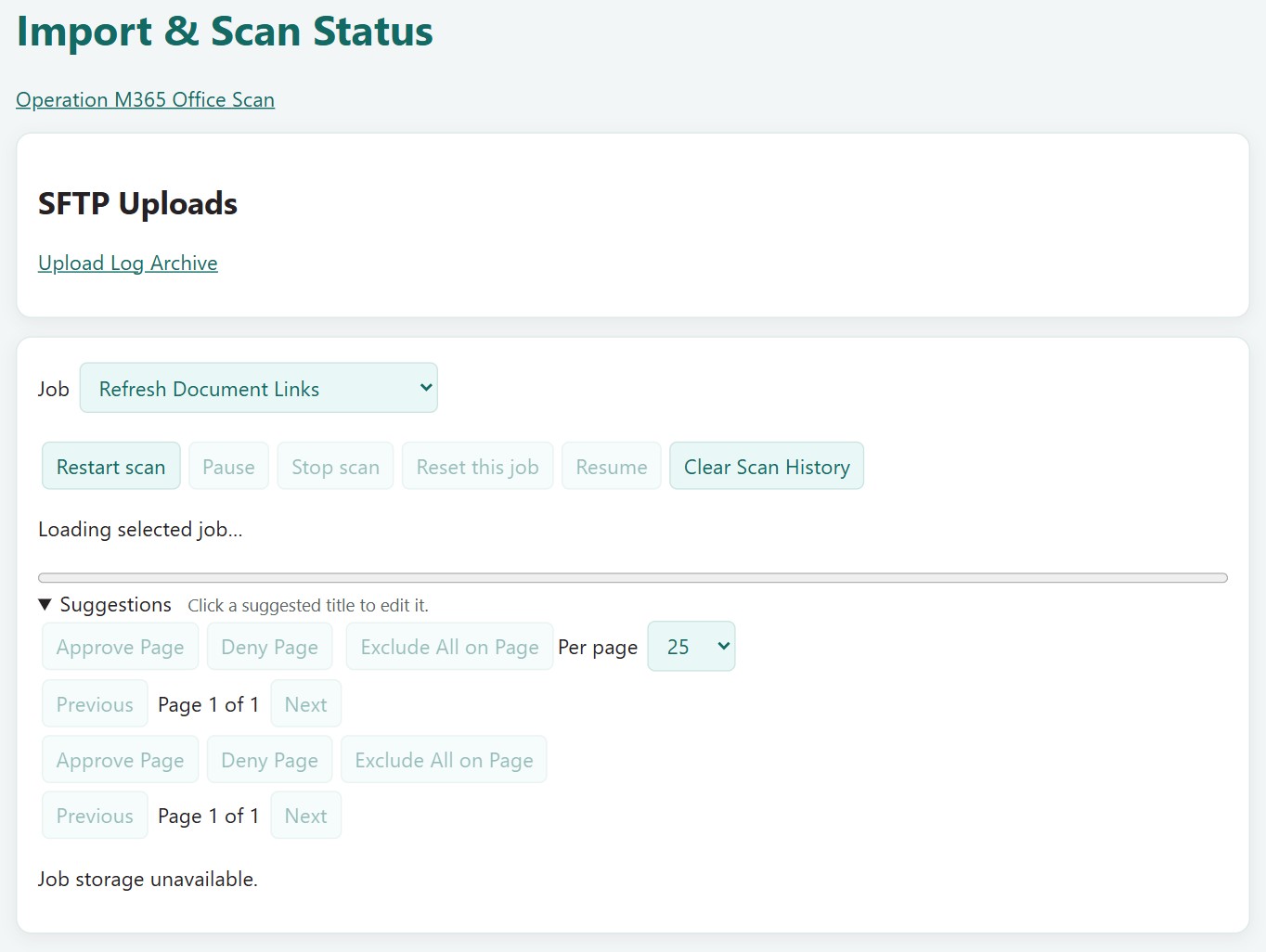
Spreadsheets work well for one-off lists, calculations and reports. When the machine list, service log and document index live in separate sheets, someone has to keep the serial numbers, file links and access lists in sync. Imagine simply adding a model, serial, uploading the needed documentation and scanning for suggested titles! Get all of that, and more with ECore!

Get rid of the guess work with ECore!


Get a Quote

Or..

Register for a Facility Workspace

AI assistants for questions

While your favorite AI can summarize a service report or help find an answer in a manual, equipment management also requires a shared record that connects those files and service events to the right serial number, with access for the people who need it. With ECore handling your project management, machine database and document storage, customers or your maintenance team can have immediate access to the information they need to operate or repair the machine.
See if it's the right fit for your team with our 30-day Free Trial

Request Trial

ECore for day-to-day equipment records

  • No prompts to run your workflows. Set scan rules once, then use them again on future uploads.
  • No AI credits to meter. Machine lookup, service history, and rule-based document scans run without a metered AI plan.
  • Built for equipment teams. Link drawings, approvals, customer access, and dated service records to the machine.
  • Room to grow. Choose a plan based on your machine and user needs.
  • Built for transparency. Interactive customer or team portals to accomodate a large customer base, service team, or even a small in-house maintenance team. Ease of access is the goal here at ECore.
View ECore Workflow

If a customer calls...

Search by serial number, customer name, or even their organization name.  Equipment History has the ability to see when the seal was replaced, and pull up the linked hydraulic drawing before dispatching a technician. The customer can also have the permission to open their own equipment history from the portal. Updated every time a technician takes a help desk call, or performs an on-site visit.   

Try Equipment History

Manage the work around each machine

Plan preventive maintenance, rebuilds, installations, and service follow-ups in the Team workspace. Keep assigned tasks, schedule dates, discussion, and files together for the crew doing the work. Projects can start private, and upon completion customers can be granted permission. When that happen an invite link is sent out for the customer to register for their portal, and every piece of information you want shared is at their finger-tips. Internal documents set to private can never be viewed.         

Explore Team Projects


Custom needs for your particular setup? ECore can help with our one time integration. Let us know what it is you need before purchasing for a quote!


Contact Us!